After agents and agentic workflows comes memory
Knowledge graphs, vector databases, GraphRAG. These terms are on every AI conference slide the moment memory and grounding come up. And just like with agents, the hype hides a fairly concrete technique.
An AI agent is only as good as the context it can reach. An LLM knows a lot about the world in general and nothing about your business. Ask an agent something about your customers, inventory or projects and it fills the gaps with assumptions, unless it can look up the real facts somewhere. A knowledge graph is one of the strongest ways to give it those facts.
In our series we wrote what an AI agent is, an LLM that calls tools, and how you connect single steps into an agentic workflow. This piece is about the layer underneath: the memory such a system draws on.
What a knowledge graph actually is
A knowledge graph stores your world as points and connections. The points are entities: a customer, an order, a product, a document. The connections are the relationships between them: a customer placed an order, an order contains a product, a document describes that product. Each point and each connection can carry properties, like a date or an amount.
The difference from the storage you already know is in what sits at the center.
A table
Rows and columns. Strong at counting and filtering. The relationships between rows you compute again every time with joins.
A vector store
Text stored as numbers. Strong at 'find something that looks like this'. It knows similarity, no facts and no relationships.
A knowledge graph
Entities and their relationships. Strong at questions about how things connect. It follows the line from customer to order to product in one step.
A table stores rows. A vector store stores similarity. A knowledge graph stores the relationships themselves. For an agent that has to reason about your world, those relationships are half the work.
Why an agent wants a knowledge graph
An LLM is powerful and forgetful. It has no fixed knowledge of your situation and invents a plausible answer when it doesn’t know. Give it a knowledge graph as a source and something fundamental changes: it can look up the facts before it answers.
Say a support agent gets the question “which customers on the Pro plan reported an outage last week?” In a graph that is one route: from plan to customer to ticket. The agent walks the connections and gives an answer that holds, with the names attached.
Grounding
The agent answers from your real data. That saves made-up facts, because it no longer has to fill in what it doesn't know.
Memory
What the agent records stays as entities and relationships. A next run builds on it, without you stuffing everything back into the prompt.
Multi-step reasoning
Questions that run from A through B to C it answers by following the relationships. Exactly where loose text fragments fall short.
Explainability
You see which path the agent took through the graph to reach its answer. That makes a mistake traceable and the system trustworthy.
An agent without grounding guesses convincingly. An agent with a knowledge graph looks it up. That difference decides whether you dare show its answer to a customer.
GraphRAG: the agent follows the relationships
Most AI systems fetch context with RAG: retrieval-augmented generation. Classic RAG searches a vector store for text fragments that look like the question and pastes them into the prompt. That works fine as long as the answer sits in one piece of text.
The moment the answer is spread across several connected facts, that approach stalls. “Which suppliers do we lose if this factory goes down?” sits in no single fragment. The answer lives in the chain from factory to part to product to supplier.
GraphRAG solves that by letting the agent walk the graph. It finds a starting point and from there follows the relationships to gather all connected context.
Vector RAG
Searches text fragments that look like the question. Fast and strong for 'find the piece this is written in'. The relationships between those pieces it doesn't know.
GraphRAG
Follows the relationships in the graph to gather connected facts. Strong for questions where the answer consists of several linked facts.
In practice you combine the two: vectors to quickly find an entry point, the graph to expand the relationships from there.
The knowledge graph as a tool in your agentic workflow
In an agentic workflow the knowledge graph is simply one of the tools the agent can call. Where one tool sends an email and another creates a ticket, the graph tool answers the question “what do I already know about this situation?”
The agent doesn’t have to know your world by heart this way. It queries the graph the moment it needs a fact, uses the answer in its next step and leaves the rest alone. That keeps the prompt small and the system predictable, two things that weigh more than they sound the moment a workflow runs on real data every day.
When a knowledge graph is worth it
A knowledge graph is powerful and, for many uses, also overkill. The rule of thumb is about your questions. Are they about loose facts or about similarity? Then a database or a vector store will do fine. Are they about how things connect, and do you have to follow several steps for that? Then a knowledge graph pays for itself.
Choose a database or vector store
Your questions are about loose facts or about 'find something that looks like this'. An FAQ bot, a search function, a simple lookup. A graph is needless complexity there.
Choose a knowledge graph
Your domain is full of relationships that matter: organizations, supply chains, recommendations, fraud, linked documents. And your questions run across several of those relationships at once.
Start as simple as possible here too. You add a knowledge graph only once your questions are genuinely about how things connect. Every layer you add is also one you have to build and maintain.
The hard part is building and maintaining it
Drawing a knowledge graph on a whiteboard is easy. Filling it and keeping it up to date is the real work. The entities and relationships have to come from somewhere, often from messy sources, and they have to keep holding up while your data changes.
Extraction
Pulling entities and relationships from your sources: from documents, emails, databases. An LLM helps here, and without checks errors creep in that spread through the whole graph.
Schema
Which kinds of entities and relationships exist, and what are they called? A schema that is too loose becomes a swamp, one that is too tight can't hold your real world.
Synchronization
Your world changes every day. A graph that lags behind reality feeds the agent stale facts. Keeping it current is an ongoing job.
The query layer
The agent has to be able to query the graph in a way it understands and you can trust. This is the bridge between the model and your data.
Anyone can draw a knowledge graph. A graph that holds up for years while your data and your models change, that is engineering.
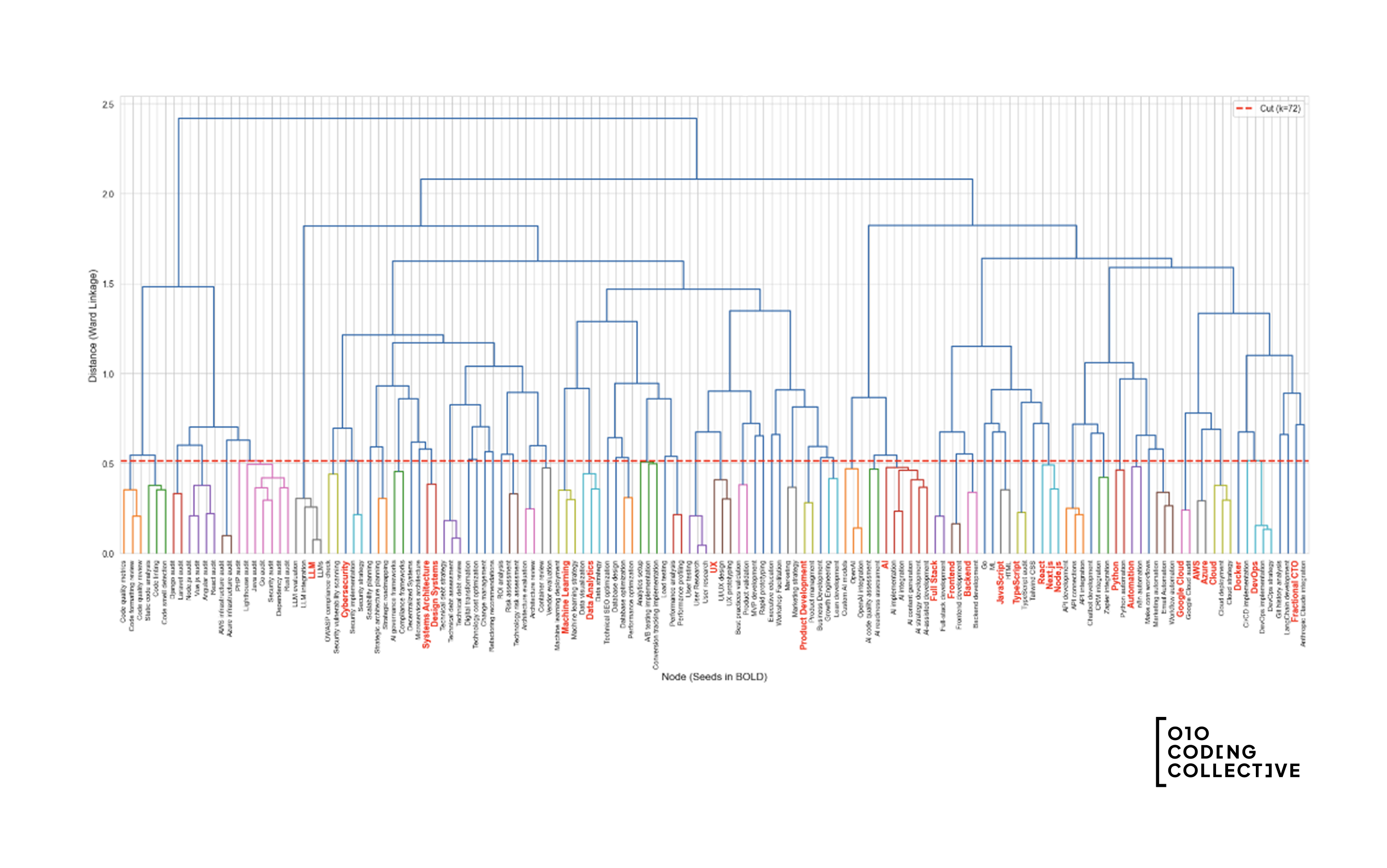
This is the layer we build for clients: AI agents and automation that runs on your real data. We did it on a smaller scale before, when we reduced 140 tag variations to 27 topics by linking them on meaning. And the growth system underneath the site you are reading runs on a knowledge graph itself: every page and search term sits in it as an entity with relationships, so our agents can reason about it.
Conclusion: give your agent a world to query
Knowledge graphs become clear once you see them as the memory of an agentic system. It is your world, stored as entities and relationships, so that an agent can query it before it answers.
Your world as relationships
Entities and their relationships at the core. Strong for questions about how things connect.
Grounding for the agent
An agent that queries the graph draws on your real data. Fewer made-up facts, and a trail you can follow.
The value is in building and maintaining it
Extraction, schema and synchronization make the difference between a pretty picture and a graph an agent can build on day in, day out.
Start small, link the facts that genuinely matter and give your agent a world it can query. Then it stops guessing and starts looking things up.
What is a knowledge graph?
What is the difference between a knowledge graph and a vector database?
What is GraphRAG?
Why do AI agents use a knowledge graph?
When do I need a knowledge graph?
An AI agent that truly knows your data?
We build the layer underneath your agent: the knowledge graph, the query layer and the controls that keep it grounded while your data and your models change. From first setup to ongoing management.