The short answer
You develop software with AI by letting the model do the writing and keeping the decisions yourself. The AI writes code, tests and documentation. You decide what gets built, how it fits together and what goes live.
That sounds like a small shift, but it changes the whole craft. Typing costs almost nothing now. What remains is the work a model does not do for you: giving a good brief, checking what comes out and knowing when something is done. This article shows how to approach it, from first idea to software in production.
Three ways to use AI
There is no single way to program with AI. The tools differ mainly in how much they do on their own, and so in how much you have to check.
A chatbot next to your work
You ask ChatGPT or Claude a question and paste the answer into your project. Useful for looking something up or writing a standalone piece of code. The model cannot see your project, so making it fit stays your job.
An assistant in your editor
Tools like Cursor and GitHub Copilot read along in your code and complete or edit files on request. You stay at the wheel and see every change before you save it.
A coding agent
Claude Code and Codex carry out a whole task on their own: reading files, writing code, running tests and fixing errors. This gives the most speed, and needs the most structure around it.
Then there are app builders like Lovable and Bolt, where you describe an app without code and judge the result by how it looks. That is vibe coding. How it differs from the approach in this article is covered in vibe coding vs AI-assisted coding, and which tool fits which job in the vibe coding tools compared.
Step by step: from idea to production
This is the order we follow ourselves. It works with any tool, but pays off most with a coding agent.
Write down what the software must do
A short spec: who uses it, what it needs to do and when it is done. A model fills every gap in your brief on its own, often slightly differently from what you meant. Writing it down forces you to make the choices up front.
Pick a stack that makes mistakes visible
Strict types, a compiler and tests flag it straight away when the AI gets something wrong. The stricter the language, the sooner a mistake surfaces, before a user finds it.
Set up the environment
A short instruction file in the repo with the conventions, and one command that runs tests, typecheck and build. That way the AI can check its own work before you look at it.
Build in small steps
One feature at a time, on its own branch. A small change you can still genuinely review. A thousand-line change gets approved because it looks fine.
Review every change
Read the diff, run the software and try to break it. A model almost always thinks its own code is fine. Whether it does what was intended is for a human to judge.
Go live safely
Passwords and keys out of the code, login and permissions in order, backups and monitoring switched on. This is the part AI skips most easily, and exactly what breaks once real users arrive.
Each step has its own article if you want to go deeper. The spec is covered in spec-driven development. Why we pick a strict language for the backend is in Node.js vs Go. How to set up the environment is in harness engineering, and the last step is worked out in making a vibe-coded app production ready. How this plan maps onto the classic phases of a software project, from analysis to maintenance, is in the phases of software development.
The AI delivers the code. The spec, the checks and the review decide whether you can use it.
What to leave to the AI, and what not
| Let the AI do it | Keep it yourself | |
|---|---|---|
| Code | Writing out features, screens and integrations. | How the system fits together, because that is the hardest thing to undo later. |
| Tests | Writing tests for what you have already decided. | Deciding what needs testing and when something is good enough. |
| Bugs | Tracing an error message and proposing a first fix. | Judging whether the fix hits the cause or only the symptom. |
| Security | Applying known patterns when you ask for them. | Knowing where the risk is and checking that it is closed. |
| Going live | Writing deployment scripts and configuration. | The decision that it is done, and the responsibility when it goes wrong. |
Can you do it without programming experience?
For a prototype, yes. With an app builder or a chatbot you have something working within an afternoon, and that is a fine way to test an idea. Whether that applies to you is covered in is vibe coding good for beginners.
For software customers rely on, no. If you cannot read the code, you cannot judge whether the AI built something safe. The prototype is then 80% done, and the last 20% turns out to be most of the work. That is the subject of the last 20% of a vibe-coded project.
How we develop software with AI
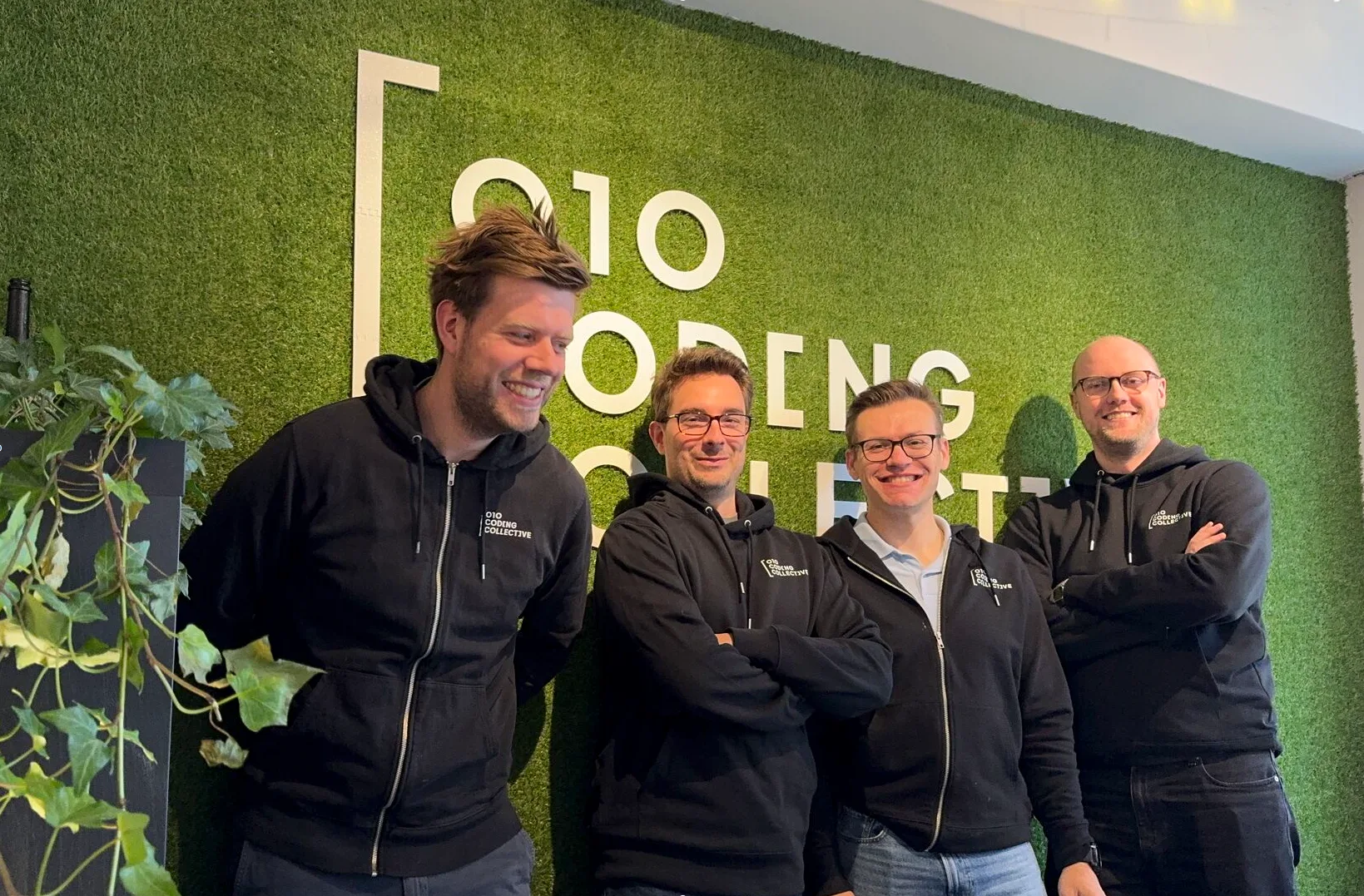
We build all our software this way. Coding agents write most of the code. We write the specs, choose the architecture, build the checks and read every change before it goes live.
In our own work that delivers up to ten times as much as the traditional approach, where developers type every line themselves. That speed is not in the model. It is in the environment around it: the spec we test against, the tests the agent runs itself and a build that has to pass before anything goes live.
Most of the work now sits at two moments: at the start, when we decide what gets built, and at the end, when we judge whether it is right. The part in between goes fast.
Conclusion: the model types, you decide
Developing software with AI is not a matter of picking the right tool. It is a way of working. Write down what you want, pick a stack that makes mistakes visible, let the AI work in small steps and review every change. Do that and you build faster than ever, with software that is still maintainable a year from now.
Spec first
A model fills every gap in your brief on its own. Write the choices down before it starts.
Checks over trust
Types, tests and a build that must pass stop more than a model saying it is done.
A human signs off
Whatever goes live, someone has read and approved.
How do I develop software with AI?
Which AI tool is best for developing software?
Can I build software with AI without knowing how to code?
What is the difference between developing software with AI and vibe coding?
How much faster is developing software with AI?
What are the risks of developing software with AI?
Want software built this way?
We develop with AI and keep the spec, the architecture and the review in our own hands. You get the speed of AI and software you can still change a year from now.