More and more founders and product owners walk in with a project they vibe-coded themselves. With Lovable, Cursor or ChatGPT, a handful of tutorials and a lot of momentum. It works, more or less. And then, inevitably, the same question comes up: can this go to production, and is it actually safe?
To answer that honestly, it helps to first understand what’s really happening when you vibe code. Because almost all the confusion stems from a single misunderstanding.
The fundamental mismatch
There’s something strange going on with vibe coding. The tool writes code. So you think you’re programming. But that’s not what’s happening.
Because the tool writes code, you think you’re programming. But you’re not programming. You’re designing.
It sounds like wordplay, but the difference is fundamental. If you think you’re programming, you make decisions as if you’re a developer. You start worrying about architecture, scalability, best practices. While you lack exactly the knowledge to make those decisions well. You force yourself into a role that doesn’t fit, and that’s precisely where it goes wrong.
Vibe coders are designers
Be honest about who’s vibe coding. It’s the designers and the product owners. The people close enough to development to see which problems developers solve, who think: I want to be able to do that too.
A vibe coder is a designer wearing a product owner hat. You care about what you see. The backend is invisible, and as long as it works, you don’t look back at it.
And that’s exactly what vibe coding is good at: the visual. Making something to look at. Sketching an idea you couldn’t show yesterday.
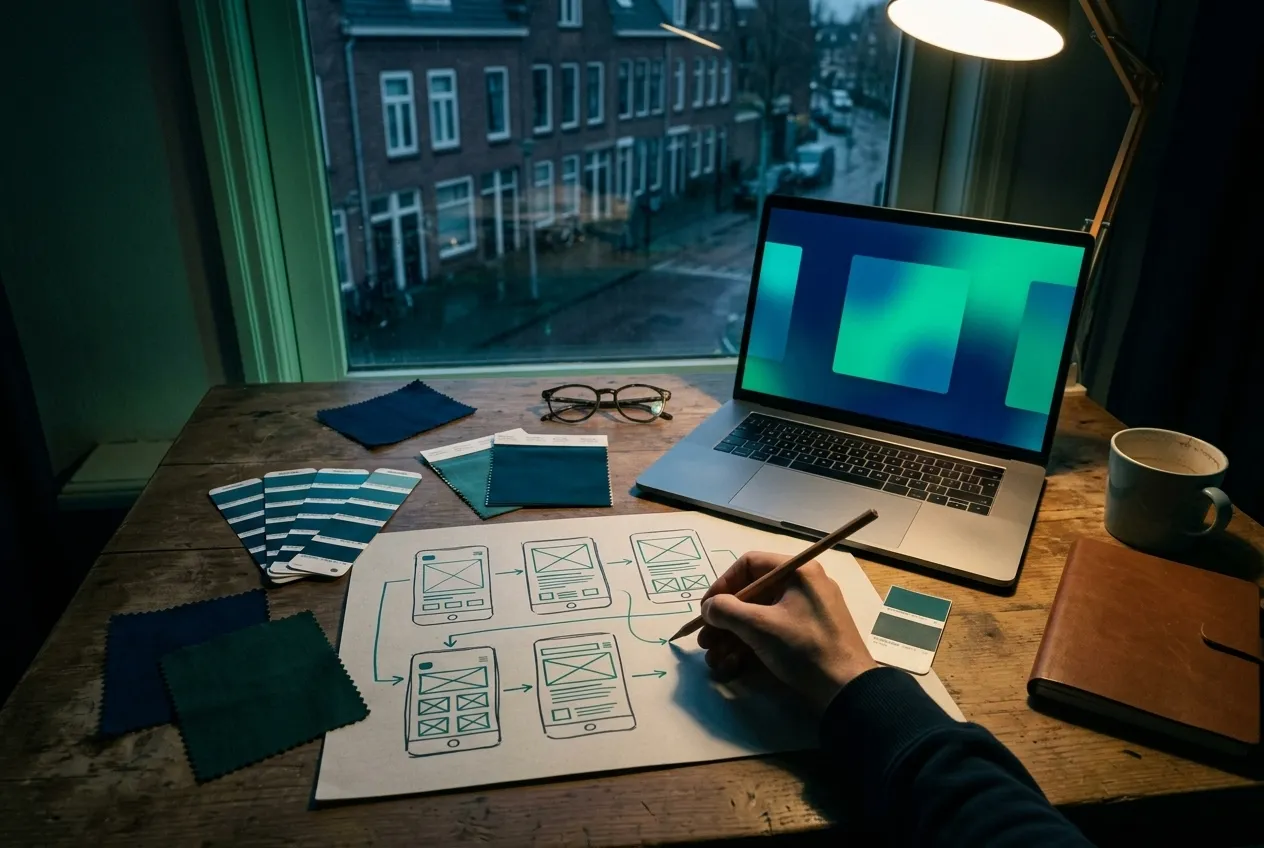
Designing means: making versions
Say you know you’re writing a spec the end result should meet. Then you’ll approach it like any other designer would: you make versions.
You play with options. You say: we can take it this way, or that way. That’s the superpower of vibe coding with screens. You can switch incredibly fast:
- Make three more variants
- On screen 2 I want it this way
- On screen 3 I want it that way
- This one feels best, continue with it
And what you should not do follows logically from the fact that you’re designing:
Don't dive into the tech
You don't deal with the implementation details; you don't want to see them and you don't understand them. You sketch what it should become. How it's built is not your layer.
Don't optimize for scale
On every technical trade-off, the right choice is: ignore it. You're building a prototype to validate an idea. A thousand concurrent users are a problem for later.
Don't pretend you understand
If you lack the technical knowledge, pretending is pointless. You'll make the wrong decisions anyway. Let that layer go and judge what you can actually judge: the result.
The Figma parallel
It’s really the same as working in Figma. You open a blank canvas to make a design and you’re staring at the stone age: a white page.
Generate something ugly first. It doesn’t matter that it’s bad. You have a starting point, and adjusting is always easier than starting from scratch.
That’s what vibe coding does for people who design. No blank-page syndrome. You immediately have something to look at, react to, throw away. And adjusting something you can see is always faster than conjuring something from nothing.
Where it goes wrong: a prototype isn’t production
It goes wrong the moment you forget you were designing. When you think your app is production-ready simply because it works.
A prototype shows that something can work. Production means it actually works: reliably, securely, and when a hundred people log in at once. That’s a different craft from an extra round of polishing.
Jeroen , 010 Coding Collective
This is exactly the gap founders fall into. The demo works, so the assumption is: just finish it and we can go live. But the final 20% (edge cases, error handling, performance under load) is precisely the part AI tools usually skip. And the part you don’t see is also the part you don’t see breaking:
Authentication and roles
Login works in the demo. But does it hold up across sessions, devices and user roles, without anyone reaching someone else's data?
Payments and edge cases
The happy path checks out. Until someone tries a refund, a discount code or a failed payment, and it quietly falls over.
Security you can't see
Exposed API keys, injections, weak authorization. AI generates them without warning, and without review they go live unnoticed.
That doesn’t make vibe coding bad. We use it ourselves. The problem is what you don’t know about the code it produces.
What you actually keep from a vibe-coded project
Here’s the reassuring part. Because if you see vibe coding as design, you also know where the lasting value sits. And it’s almost never the code itself.
Clients come in with a vibe-coded project thinking the code is the valuable part. Sometimes that’s true, often it isn’t. What’s always valuable: all the choices they’ve already made about what it should become.
Jeroen , 010 Coding Collective
That knowledge is golden. You know what works and what doesn’t. You have feedback from real users. You have a sharp picture of the end result. That’s exactly what a designer delivers, and it’s an excellent starting point for a developer who turns it into a real system.
The thinking is the capital
The hours you spent on 'what's the problem, what are we solving, what does it look like': that's reusable, whether or not the code makes the cut.
The code is a hypothesis
Vibe-coded code proves your idea can work. Whether it holds up under real users is a separate question, and you answer it with a review.
In practice: how to do it right
Treat it as prototyping
You're making an interactive prototype to validate your idea. Keep that goal sharp and you steer on the right things.
Make versions, don't choose too fast
Just like in design: multiple variants, play with options, choose only afterwards.
Focus on the visual
That's what you have an opinion about, that's where you add value. The rest you leave to people who do see the underlying layer.
Know when to stop
At some point your prototype is good enough to validate. Then you stop, and let a professional build the production version, or review what you have.
Frequently asked questions
Is vibe-coded software ready for production?
Is AI-generated code safe?
Should I throw away my vibe-coded MVP and rebuild?
What's reusable about a vibe-coded prototype?
Prototype ready, what now?
You did the thinking. We review your vibe-coded project, tell you honestly what holds up and what breaks under pressure, and help you take it to production safely: supporting, taking over or hosting it.